
How to use
Screenshots from the actual program (Bitget build, English UI, fake placeholder keys, nothing connected). The other exchange builds use the same tabs and buttons; differences are listed at the bottom.
Recommended: watch in Shadow Mode first
Switch on Shadow Mode in the Operations Console before pressing Start Trading and let it run for a few days. You see the same decisions on live prices without real orders.
1Download, unzip and run
Download the build for your exchange and unzip it. On Windows run JaviD_Future_Bot.exe; on macOS open start.command. The program opens in your browser at a local address on your own PC. Close the first-run welcome window to reach the tabs.
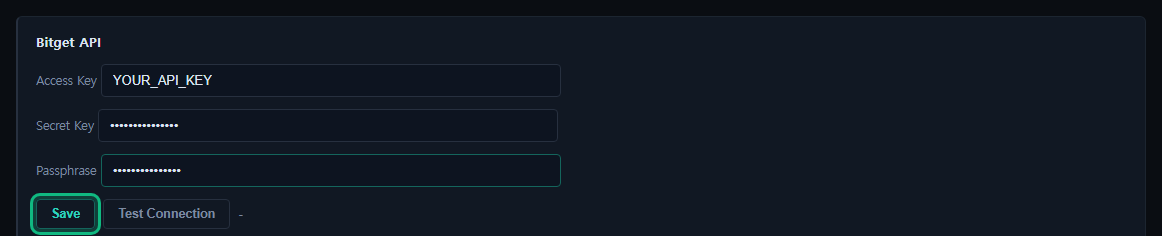
2Settings — enter your API key and click Save
Open the Settings tab. Paste the Access Key and Secret Key you created on the exchange (Bitget and OKX also need the Passphrase) and click Save. Test Connection next to it checks the key. Keep withdrawals disabled on the key.
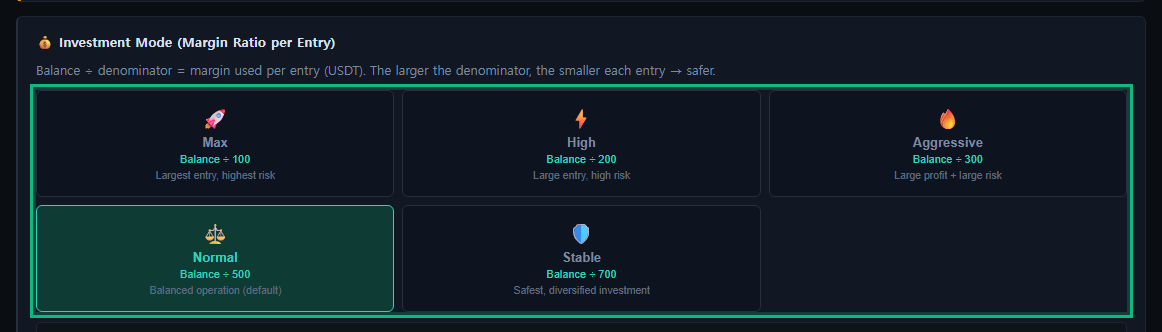
3Settings — investment amount (Investment Mode)
Under Investment Mode (Margin Ratio per Entry), pick how much of your balance each entry uses: margin per entry = balance ÷ 100, 200, 300, 500 or 700. Normal (÷ 500) is the default; a larger number means smaller entries. Clicking a mode applies it. (The Binance build offers Aggressive, Normal and Stable.)
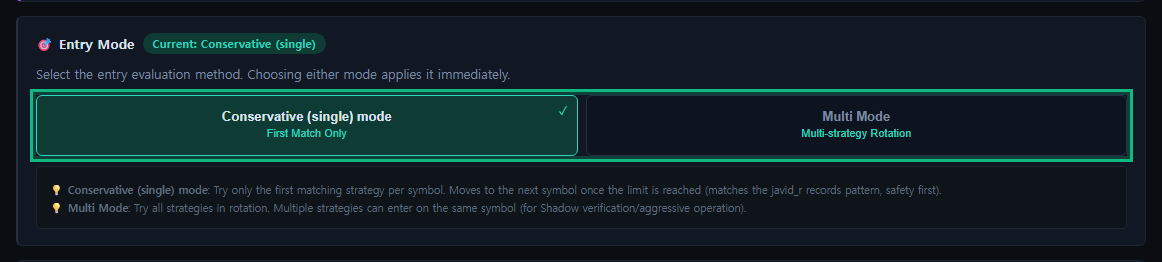
4Settings — entry mode
Under Entry Mode, choose Conservative (single) — the first matching strategy only — or Multi Mode, which rotates through the strategies. The choice applies immediately.
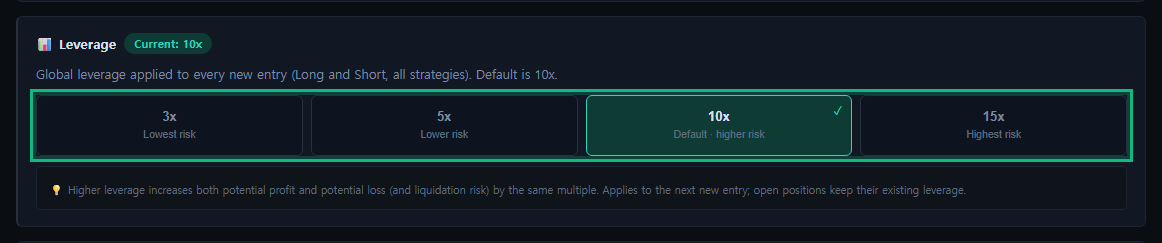
5Settings — leverage
Under Leverage, choose 3x, 5x, 10x or 15x. New installs start at 10x. The setting applies to the next new entry; open positions keep their leverage. Higher leverage brings liquidation closer.
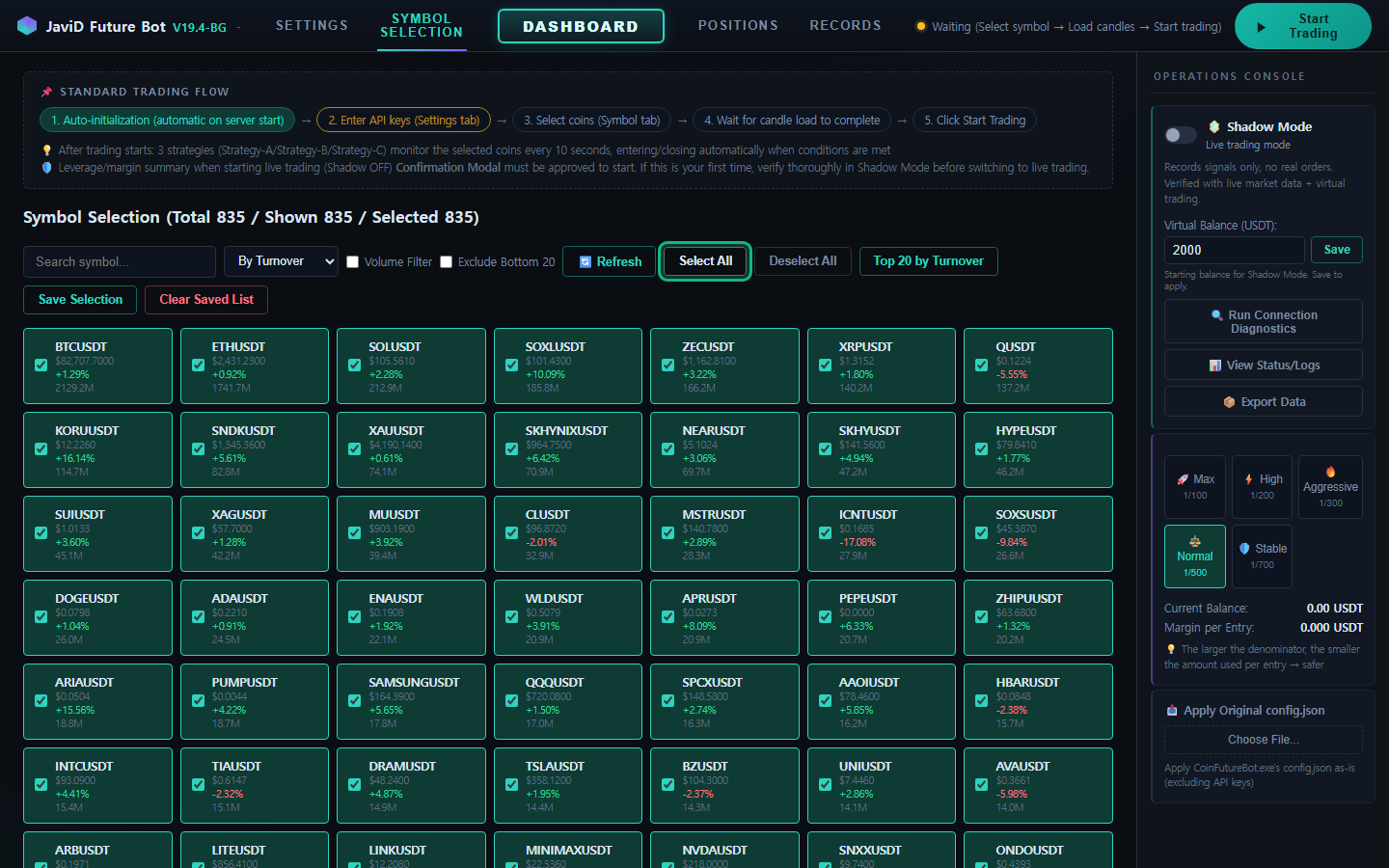
6Symbol Selection — Select All
Open the Symbol Selection tab and click Select All (or tick only the symbols you want).
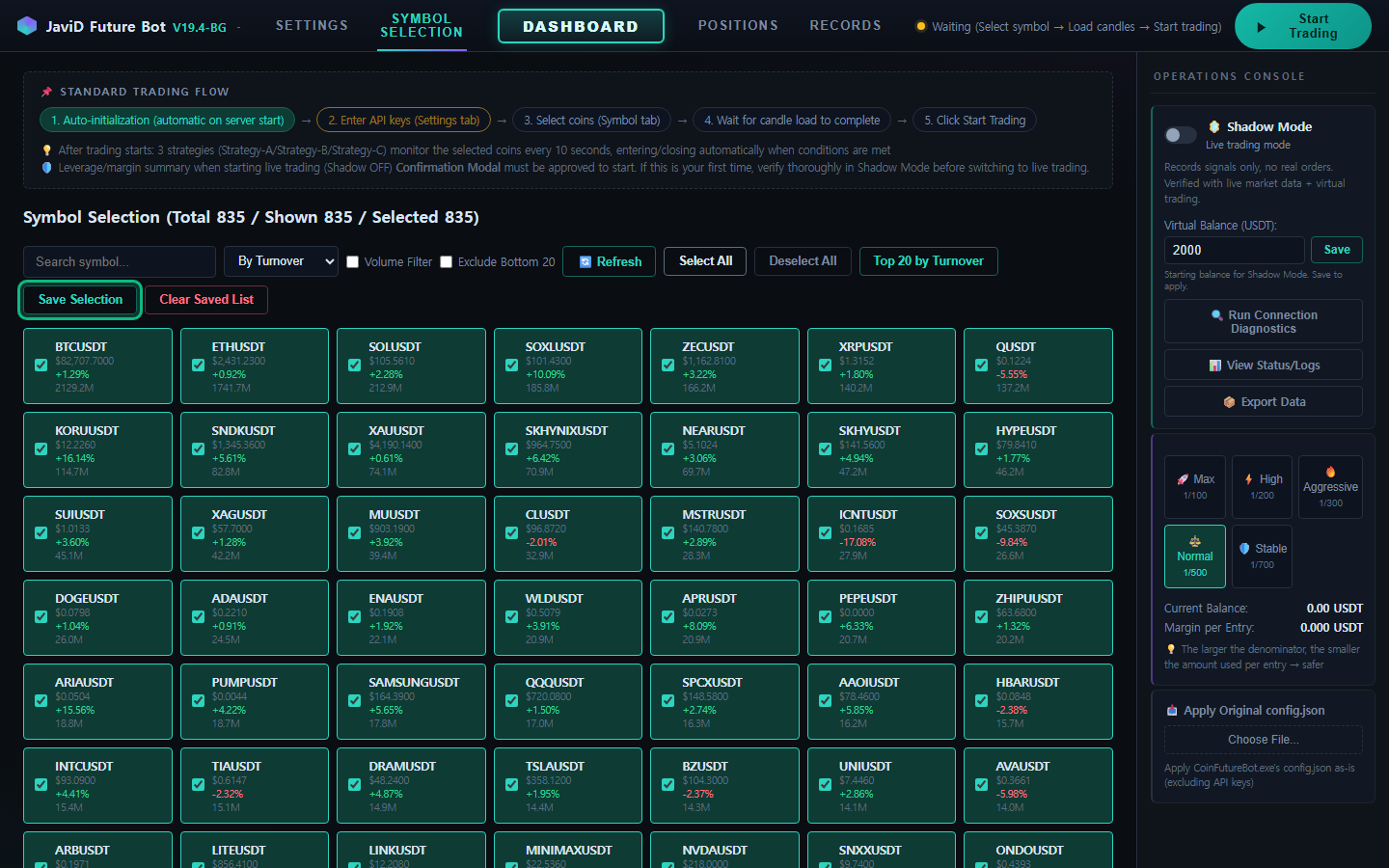
7Symbol Selection — Save Selection
Click Save Selection. The program then loads candle data for every selected symbol; wait until it finishes.
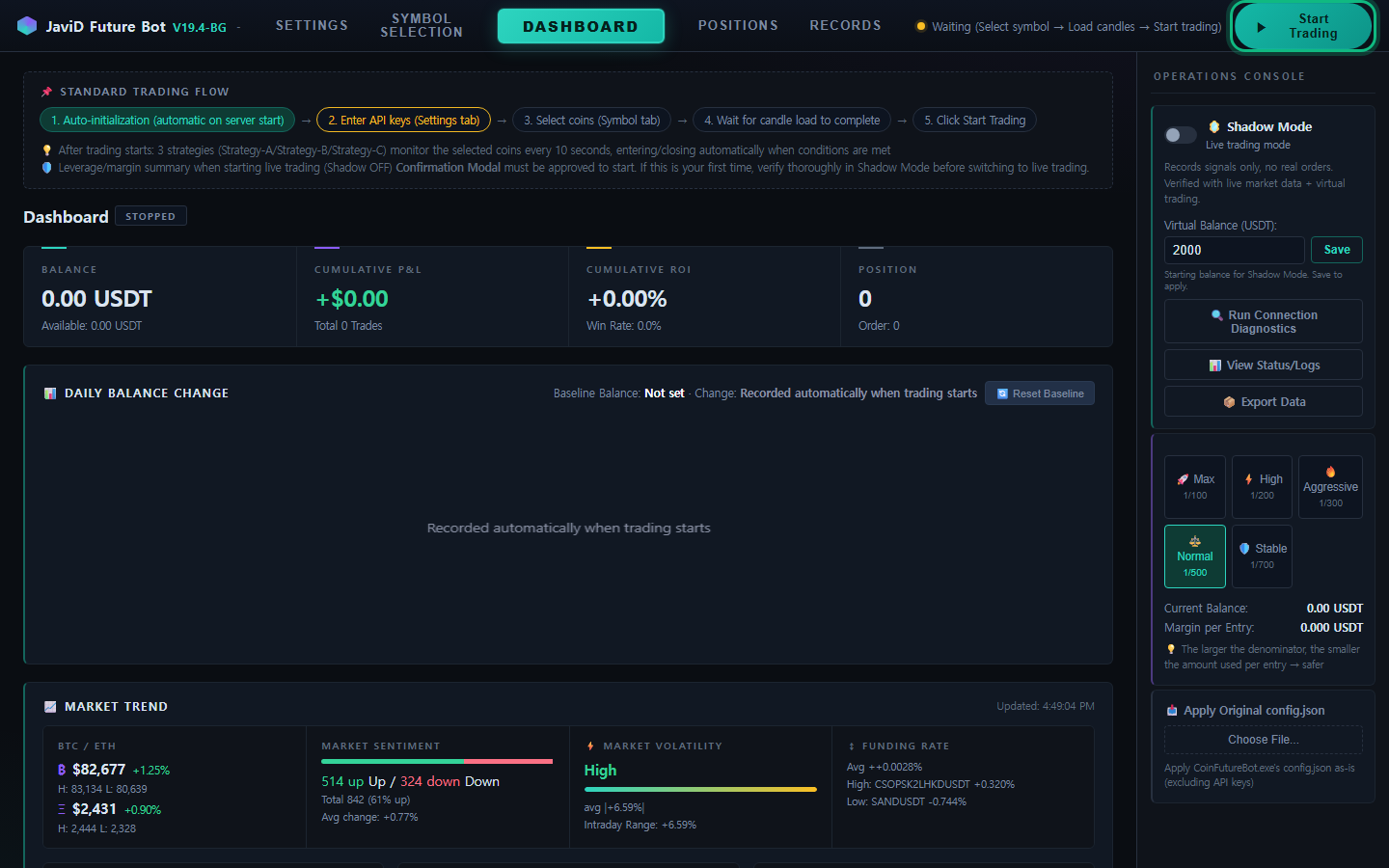
8Press Start Trading
Click Start Trading at the top right. If Shadow Mode (in the Operations Console on the right, off by default) is on, it trades with a virtual balance. With Shadow Mode off, a confirmation of the leverage and margin summary appears before real orders start.
Differences between exchange builds
- Bitget: Access Key, Secret Key and Passphrase; the key needs futures read and trade permission.
- Binance: Access Key and Secret Key only. Investment modes are Aggressive, Normal and Stable.
- Bybit: API Key and API Secret, no passphrase. The account must be a Unified Trading Account with USDT in it, and the key needs Read-Write with Contract orders and positions. Bybit keys are 18 characters long — that is normal.
- OKX: API Key, Secret Key and Passphrase; the account mode must be “Futures mode” with USDT in the Trading account. (Download preparing.)
- All builds: IP binding of the key is recommended, and hedge (two-way) mode is switched on automatically at first start.
Leveraged futures can lose your entire capital. Higher leverage brings liquidation closer. By default the program has no stop-loss, so a position can stay in a deep loss for a long time; the optional 60% hard stop limits that at the cost of realizing the loss.